
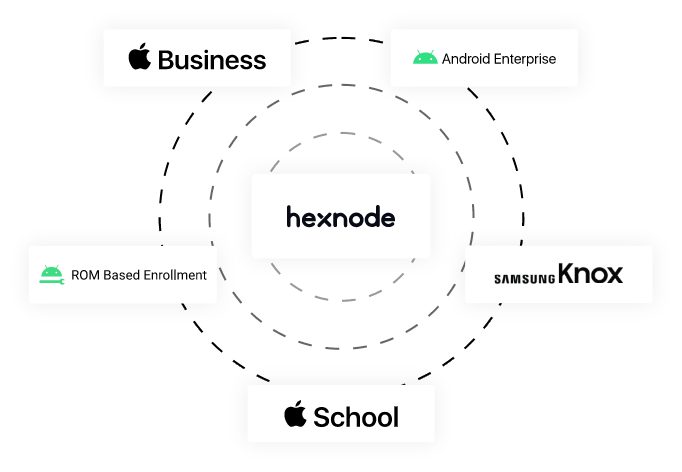
Zero-touch enrollment options
.png)
Apple’s Automated Device Enrollment
We streamlines the deployment of Apple devices in bulk with Apple’s Automated Device Enrollment (ADE).
The devices are managed and supervised from the first power-on. Authenticate with existing Microsoft Entra ID/Google/Okta credentials during enrollment.
.png)
Android Zero-touch Device Enrollment
Hexnode’s integration with Android ZTE offers seamless and secure deployment for corporate-owned Android devices.
Devices have enterprise configurations, restrictions and managed settings on the first boot without any manual effort.
.png)
Samsung Knox Mobile Enrollment
The out-of-the-box enrollment method is supported for company-owned Samsung devices built on the Knox platform.
Devices enrolled in UEM with KME will be re-enrolled even if the device is factory reset.
.png)
ROM based enrollment
ROM based enrollment ensures complete control over an Android device by flashing a custom ROM with our UEM app as a system or privileged app.
Take advantage of features like automatic enrollment, silent app installation, and remote actions without user intervention.
.png)
Windows Autopilot
With Windows Autopilot integration you have the option to pre-register Windows devices with your organisation, pre-configure them and make them business-ready within minutes of unboxing.
Quick Enrollment

We help streamline the enrollment workflow by supporting device onboarding using QR codes. Wi-Fi and device encryption settings can be embedded into this QR code. Issue personalised QR codes for each employee, tailor-fit to meet their needs with appropriate policies and restrictions. Scan the QR code to start enrolling devices.
Hasten the enrollment process with No authentication enrollment. There are no user-specific enrollment credentials. Users can self-enroll their devices as long as they have the server name. Devices enrolled with this open enrollment method would be assigned to a default user.


Email/SMS based enrollment is the go-to option to ensure the legitimacy of the user. Users will receive an email/SMS containing login credentials and only users who receive these details can enroll onto Hexnode. The email also includes details on the enrollment process; one less task for IT.
LATEST NEWS
interesting reads


